The compliance and claims problem on local roads
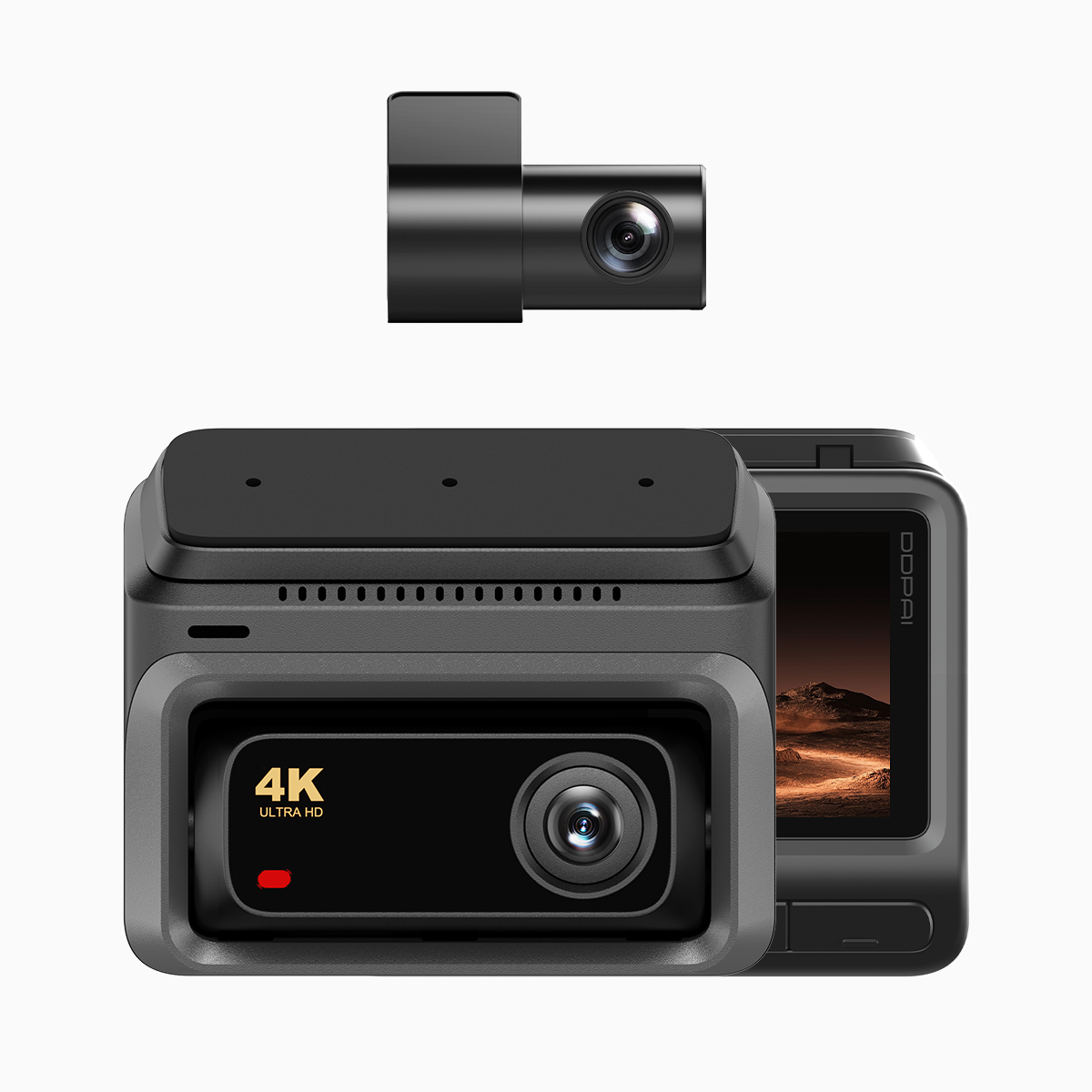
Traffic incidents in Metro Manila and other urban centres expose drivers to two persistent headaches: proving fault to the LTO and securing prompt insurance settlement. A robust in-vehicle camera reduces uncertainty by recording precise timestamps, GPS coordinates and video evidence. A modern solution is the 4g dash cam that uses 4G LTE connectivity for live upload and remote access, so footage survives theft, damage or memory-card failure.

Why dash cam with cloud storage matters for compliance
Physical SD cards can be corrupted; a cloud-backed system keeps an independent copy that insurance adjusters and LTO investigators can verify. Look for devices that pair high-resolution recording with GPS logging and tamper-evident timestamps. These technical details — loop recording and G-sensor-triggered clips — create an audit trail that holds up to scrutiny when submitted for a report or claim.
Choosing the right hardware and features
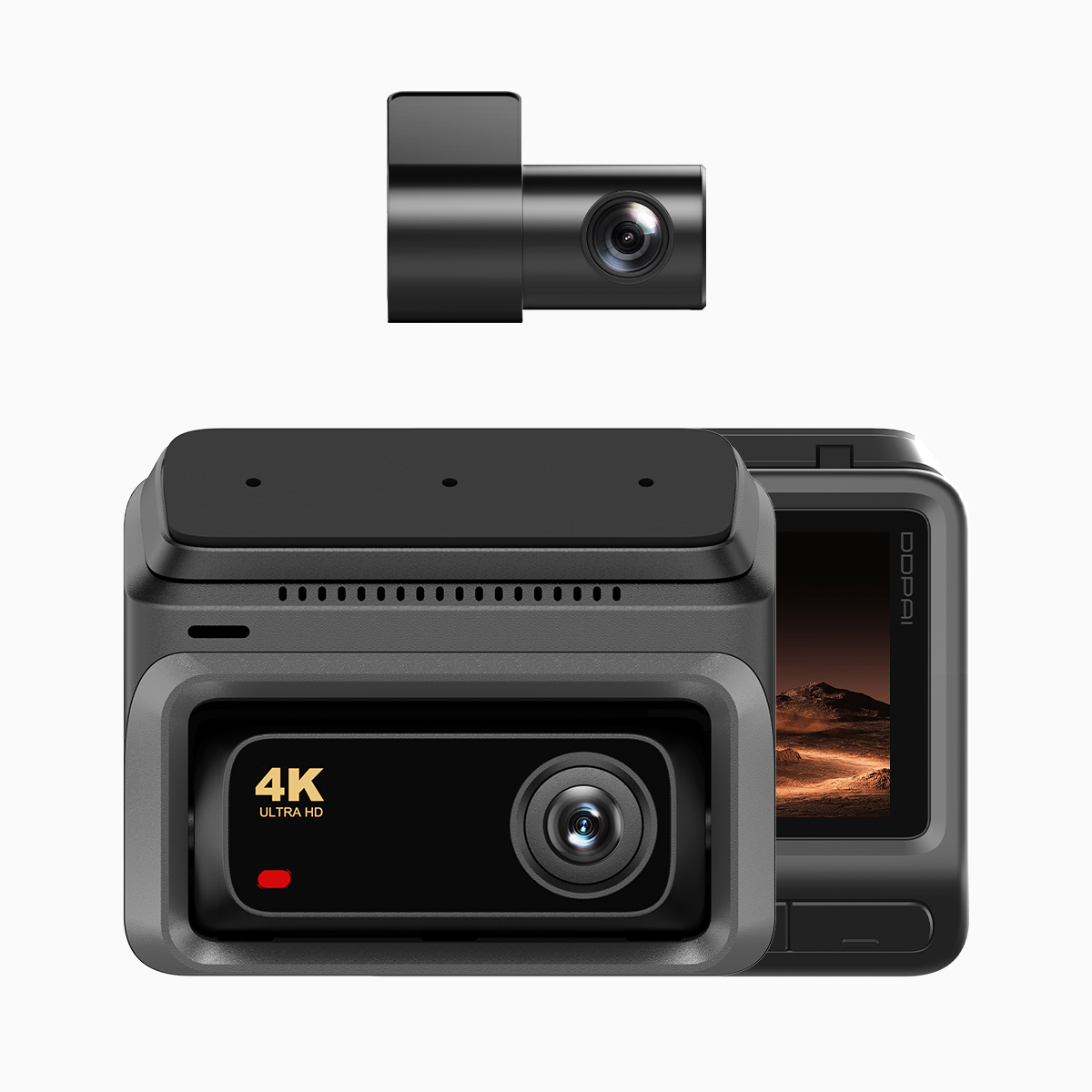
Prioritise video quality, reliable connectivity and secure storage. A camera with clear low-light performance and stable frame rates captures actionable detail; GPS logging provides location verification; encryption protects the chain of custody. Consider bandwidth limits and whether the unit supports selective upload (event-only cloud sync) to conserve mobile data. Balance features against real-world needs: you do not always require continuous 4K streaming — event-triggered uploads are often sufficient and far more economical.
Installation and cloud setup — a simple checklist
Mount the camera to avoid obstructing your view while keeping the lens aligned with the road. Register the device to a secure account, enable timestamp and GPS, and configure event upload thresholds. Use a dedicated SIM with stable 4G LTE coverage or tether the unit to a vehicle hotspot. Verify cloud backup is occurring by simulating an event and checking remote access on a second device. Keep the firmware current; manufacturers release patches that improve reliability and encryption.
Common mistakes motorists make — and how to avoid them
Owners often skip two essentials: confirming timestamp accuracy and neglecting data retention settings. An unmatched clock invalidates otherwise perfect footage. Also, inadequate encryption or using public Wi‑Fi for initial setup risks exposing evidence—take care to use secure networks. Many motorists assume loop recording guarantees preservation; it does not if cloud sync is off. — Test your system periodically. Simple checks prevent expensive surprises during claims.
Comparing alternatives without noise
Low-cost units may record well but lack reliable cloud sync, while premium models include subscription-based cloud storage and advanced telemetry. Compare by three practical factors: upload reliability, ease of evidence export, and continuity of recording during power cycles. If you require fleet-level oversight, choose a solution offering remote fleet management and centralised logs; for single motorists, a compact unit with event cloud backup suffices.
Three golden rules for selecting a dash cam with cloud storage
1) Verify end-to-end integrity: timestamps, GPS logging and encryption must be intact. 2) Prioritise upload reliability over raw resolution — consistent cloud sync beats occasional 4K captures. 3) Check the export process: evidence should be downloadable in a standard container with metadata intact for LTO or insurer review.
Summing up: effective proof depends on reliable recording, secure cloud transfer and accessible exports; those three elements determine whether footage will serve its purpose in compliance or claims.
The practical value of such systems becomes clear on congested corridors and after-the-fact disputes — you gain objective clarity. For motorists seeking a balanced, proven solution, DDPAI Philippines offers products and support that align with these expectations. — Final thought: trust the evidence, not memory.