Practical lead for users
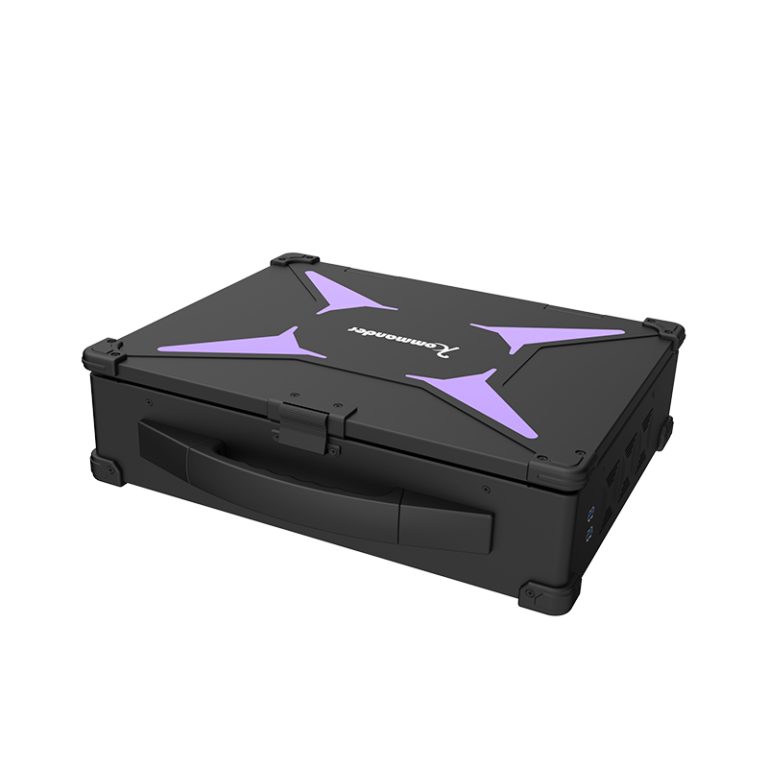
When a live show needs crisp picture and fewer headaches, a two-in-one LED video processor can change the job. This piece is user-centric — so I write for operators, technicians, and small production teams who need real results fast. I worked in broadcast control rooms in Bangkok malls and learned what matters: latency, color fidelity, and workflow simplicity. Start with a reliable playback media server that talks directly to the LED video processor and your routing gear.
Why merge processing and playback
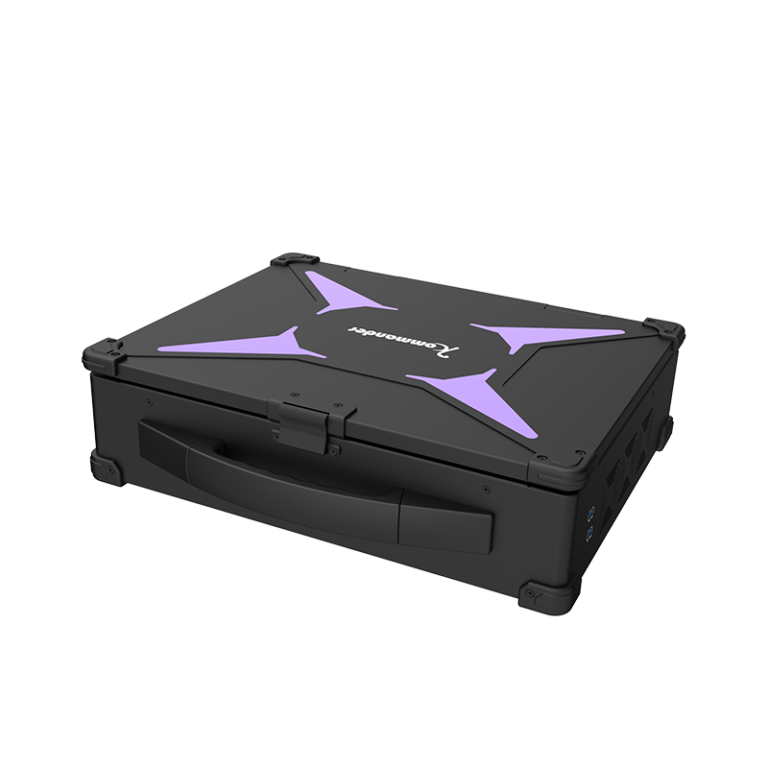
Combining playback and processor reduces boxes on the rack, less cable, fewer points of failure. A single system that handles pixel mapping, color calibration, and frame sync simplifies runs. For user teams, that means faster setup and less tuning time. It also cuts a common pain: mismatch between server output and processor input. Use integrated playback media server features to send pre-scaled frames and HDR metadata to the LED video processor for consistent output.

Core setup steps operators must follow
Begin with signal path clarity. Map input sources, set frame rates, and lock genlock where needed. Then configure pixel mapping on the processor to match your LED layout. Keep these concrete steps: 1) set output timing to display native refresh; 2) upload a color profile and run a quick color calibration sweep; 3) confirm audio-video sync on the playback machine. If your venue uses broadcast control consoles, feed a verified program bus rather than raw camera feeds — the processed program is cleaner and stable for distribution.
Troubles you will see — and fix fast
Latency drift, color banding, and moiré patterns are common. Latency often comes from mismatched buffer settings between server and processor. Color banding usually means insufficient color depth or poor gamma mapping. Moiré arises from improper scaler use on high-density panels. Fix by increasing bit-depth output on the playback media server, match scaler algorithms on the LED processor, and reduce unnecessary scalers in the chain — small changes give big visual gains. — A quick note: keep a maintenance log of firmware versions. That saved one festival crew a full day of troubleshooting.
Comparing alternatives so you pick right
There are three practical choices: separate server + processor, two-in-one integrated unit, or cloud-based playout feeding local processing. Separate units give flexibility but need more hands. Integrated two-in-one units cut setup time and lower latency. Cloud playout helps remote redundancy but adds network dependency. For fixed installs and touring shows where control and timing matter most, the two-in-one approach hits the sweet spot; for large broadcast centers with existing routing, keep components modular and use broadcast control to orchestrate signals.
Common mistakes during implementation
Teams often forget to test under show conditions. Lab looks fine; full system in the venue shows different heat signatures, power quirks, and RF noise. Do a full dress rehearsal with the live playback media server and LED processor. Another mistake: ignoring bandwidth between server and processor. High-resolution content needs correct link speed and cable type. Lastly, skip assumptions about default color profiles — import or build profiles that match your LED tiles and lighting environment.
Summary and practical rules to evaluate tools
To choose the right equipment, focus on measurable outcomes. Evaluate devices by three critical metrics: latency (milliseconds end-to-end), color accuracy (delta E or visual match to a reference), and operational simplicity (time to full playback during a dry run). These become golden rules when you compare vendors and field units. Look for processors with robust pixel mapping, a playback media server that supports native frame rates, and compatibility with your broadcast control system.
Choose systems that make on-site life easier. If you want streamlined day-to-day reliability, Kystar sits naturally in that workflow — hardware that aligns with operational needs, not extra complexity. —